

Last Updated on January 29, 2026 by velocitygamer
I used to get confused when I heard PSP and PPSSPP. I couldn’t differ. PPSSPP Gold APK or PPSSP Gold for iOS is the emulator which you can download the apk file and import games like God of War, PES 2026 ISO and other ISO files or downloads.
I’d like to help you understand a few things before downloading. The PlayStation Portable Simulator Suitable for Playing Portable (PPSSPP) is an open source emulator available on various operating systems, including Android, Windows, macOS, and iOS. Basically, bringing all PSP games to whatever operating system you are using.
There are lots of top PPSSPP games that can be enjoyed on PPSSPP Gold. The Emulator runs a lot of games anyways but it strongly depends on the type of phone you are using. That notwithstanding, I will provide you with the No Lag Settings for PPSSPP so you don’t have to struggle a lot with these lags or problems.
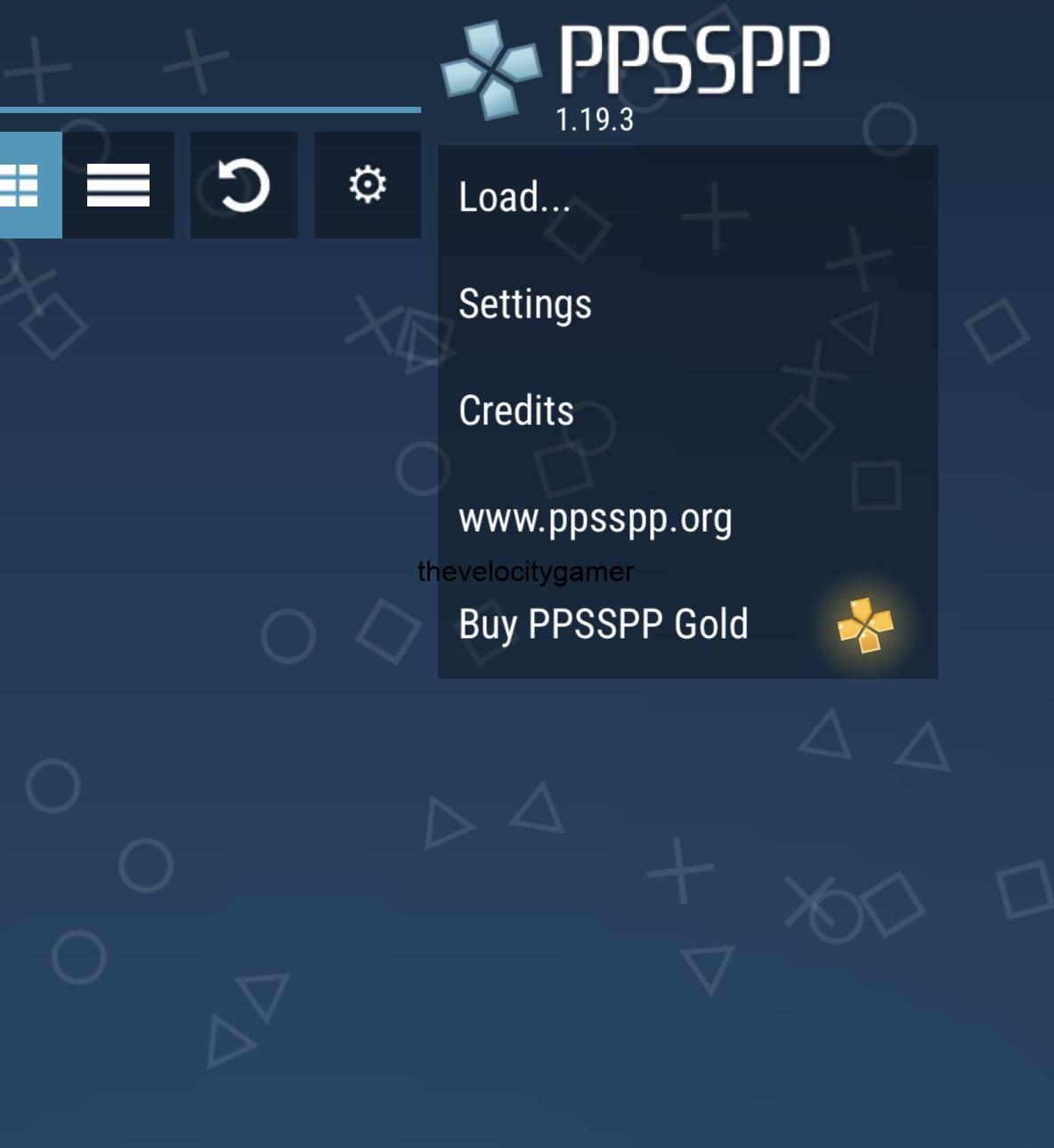
This game was developed by Henrik Rydgard, a talented computer programmer from Sweden. This has been a major commit from the developer.
PPSSPP Gold Download Info
| Features | Details |
| App Name | PPSSPP Gold (APK, iOS) |
| Version | v1.19.3 |
| Size | 44.3MB |
| Genre | Games |
| Requires | Android 4.0 and up |
| Last Updated | July, 2025 |
Key Features of PPSSPP Gold ISO
- Supports iPhones, Android, VR, MacOS, Linux, Windows: I have always played PPSSPP games on Android and didn’t know I could get the same experience until recently on my iPhone. The PPSSPP for MAC is not available on the MacStore anyways, but I will provide a safe download source for you.
- HD Gaming: Just like the PSP, all games are accessible in HD format. This gives you a better experience
- Multiplayer Support: You wish to enjoy this game with a friend, you can simple use the multiplayer feature.
- Supports Different Screen Resolutions: We have gone past the years where you have to adjust screen size like the Java and Symbian phones. It does auto adjust to your respective screen size.
- External Controllers: You can connect an external game controller for a better experience. PPSSPP Gold supports any controller that can connect to your device
Affordable External Controllers for PPSSPP
- GameSir X2 – type C, zero latency (No lagging). I recommend this.
- Ipega 9083s – for PPSSPP gold on tablet or large phones.
- Ipega 9076: Works with Bluetooth and affordable.
- Terios T3 – very affordable. Goes for around $20
- DualSense or DualShock 4 Controller; if you own a PlayStation
PPSSPP Best No Lag Settings
| Setting | Recommendation |
| Backend | Vulkan |
| Mode | Buffered Rendering |
| Frame Skip | 1 |
| Resolution | 2x,1x to fix lag |
| Fast Memory* | ON |
| Display Resolution | Native Device Resolution |
Other PPSSPP No Lag Settings
- Tick Simulate Block Transfer Effect
- Spline/Bezier Curves Quality: Low.
- Hardware Tessellation: Checked.
- Texture Upscaling Type: xBRZ (Optional, leave Off for speed).
- Tick Deposterize
- Go to Settings -> System.
- Fast Memory (Unstable): Checked.
- I/O on Thread: Checked.
- I/O Timing Method: Fast
- Force Real Clock Sync: Unchecked.
- Change Emulated PSP Clock:0 (Auto).
Download & Safety Scan
- File Name: ppsspp.apk
- Virus Scan: ✅ Safe (Verified by VirusTotal)
- [Link to VirusTotal Scan Report] (Link this text to the actual scan result)
How to Use PPSSPP Emulator
If you have downloaded the app, see how to apply your games
- First download your game, you can try PES 2026 ISO.
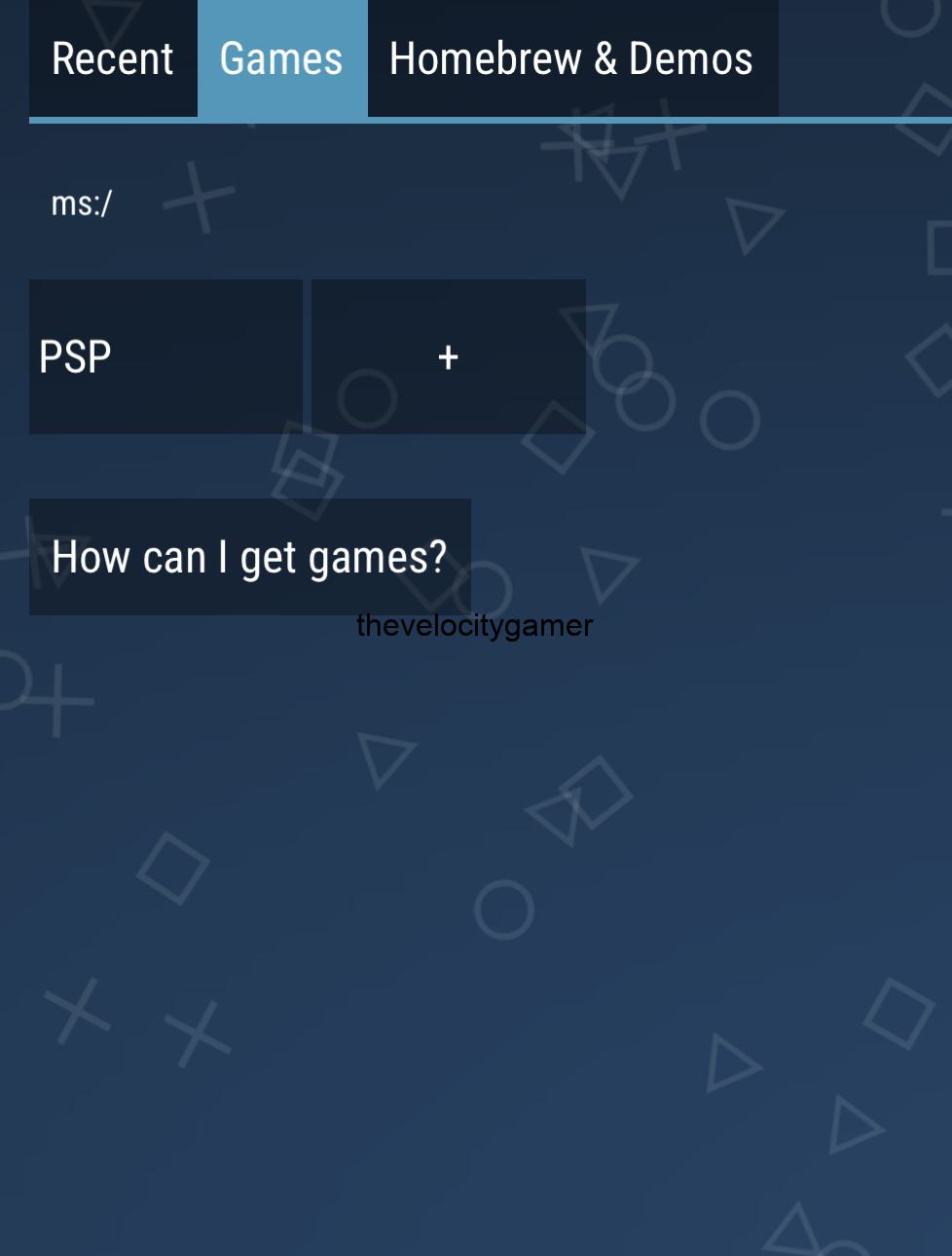
- unzip your game using UNZIP.APK. For iPhone, just extract to a folder
- Launch your Emulator, Click GAMES at the top of your screen
- Locate your game in the folder you extracted it to using
- Enjoy your game.
From now on, you should be playing games from PlayStation and enjoy them all optimised for your PPSSPP for iPhone or PPSSPP for Android. Let me know what you think about the game you are currently playing in the comments.

