

Last Updated on January 30, 2026 by velocitygamer
Just like we have PSP Emulators, we do, of course, have the PS3 Emulator RPCS3 and the PS2 Emulator to enjoy PlayStation games on your macOS or Windows. This brings the best of games to you, like the GTA ISO, etc.
Is this the first time you are coming across something like this? Absolutely no problems, because we are looking to improve your gaming experience even outside the regular APK+OBB games you download. This Emulator sure does come with its best settings, and I will share them as we proceed.
Other Football Games like the FIFA 2026 and the PES 2026 are also available on the PS3 Emulator and you. The advantage of this is the graphics quality and the gaming experience it brings. A lot of these games are repackaged, so it doesn’t result in buggy and uncomfortable experiences for you.
Please note: This emulator is not available for mobile phones at the moment due to how heavy and demanding it is.
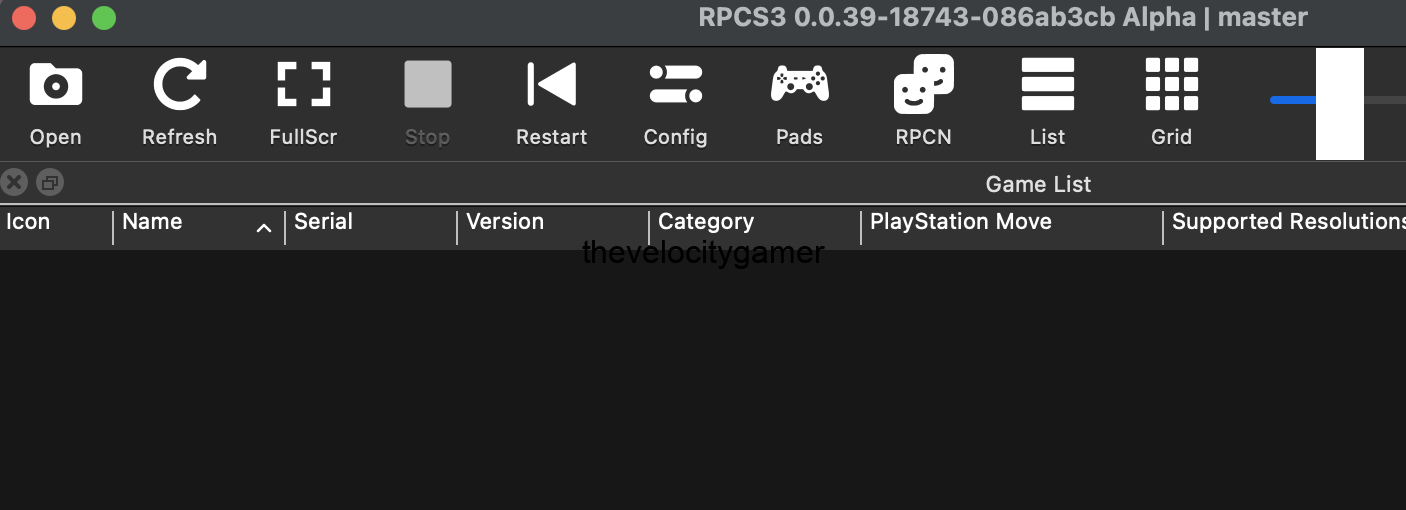
App Information
| Features | Description |
| App Name | RPCS3.7z |
| Version | 0.0.39-18743 |
| Size | 30-100MB |
| Genre | Emulator |
| Requires | Windows, Mac |
| Last Updated | January 11, 2026 |
Key Features of RPCS3 PS3 Emulator
- Play PS3 games on PC – enjoy PlayStation 3 titles directly on Windows, Linux, and macOS
- High game compatibility – supports a large library of PS3 games, including exclusives
- Improved graphics – higher resolutions, better textures, and smoother visuals than console
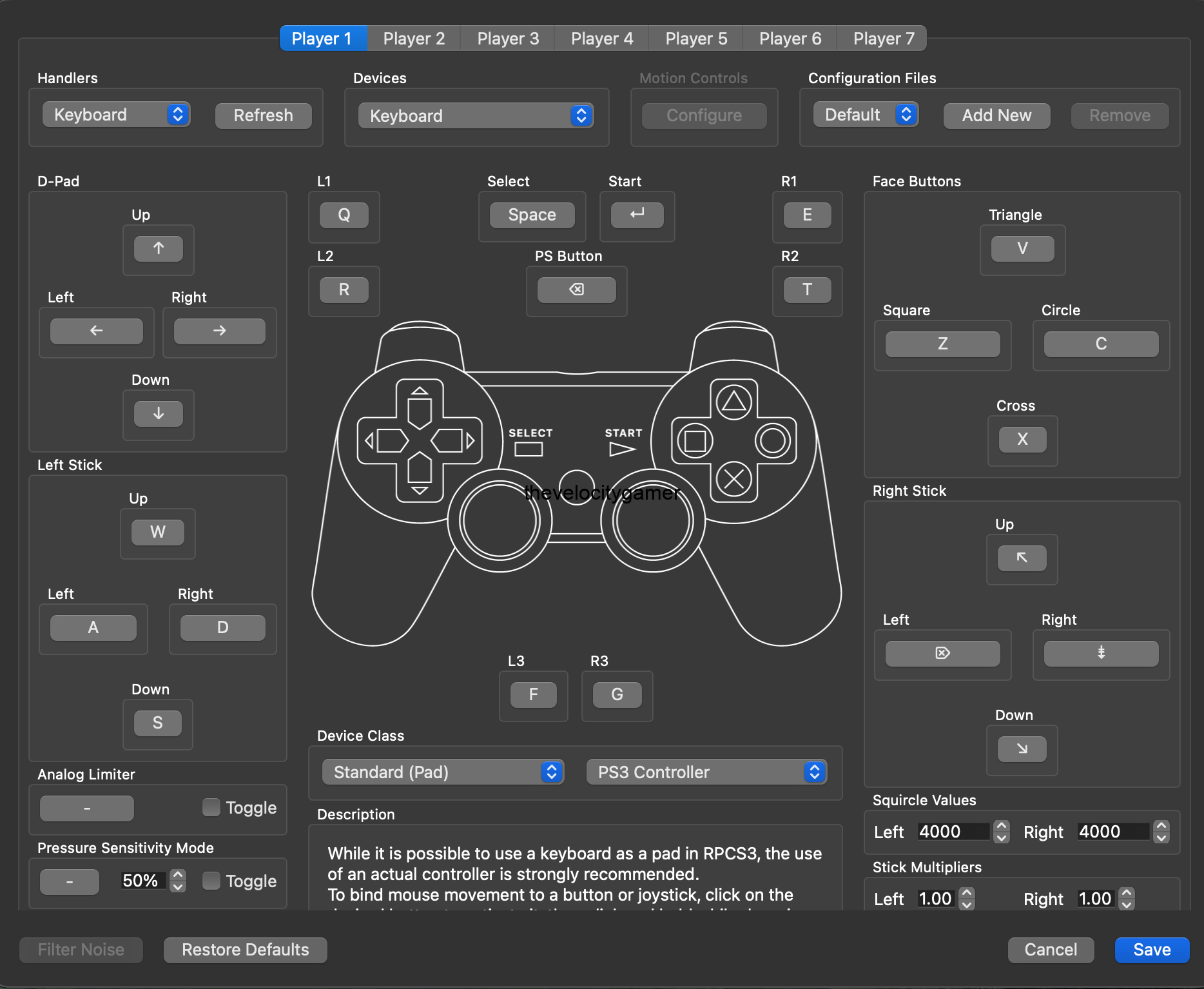
- Controller support – works with PlayStation and other PC controllers
- Open-source and free – constantly improved by a global community of developers
- Regular updates – frequent fixes, performance boosts, and new features
- Custom settings – tweak graphics, performance, and controls to match your PC
- Save and load easily – manage game saves directly from your computer
Best Settings for RPCS3
Low RAM / Low End PCs
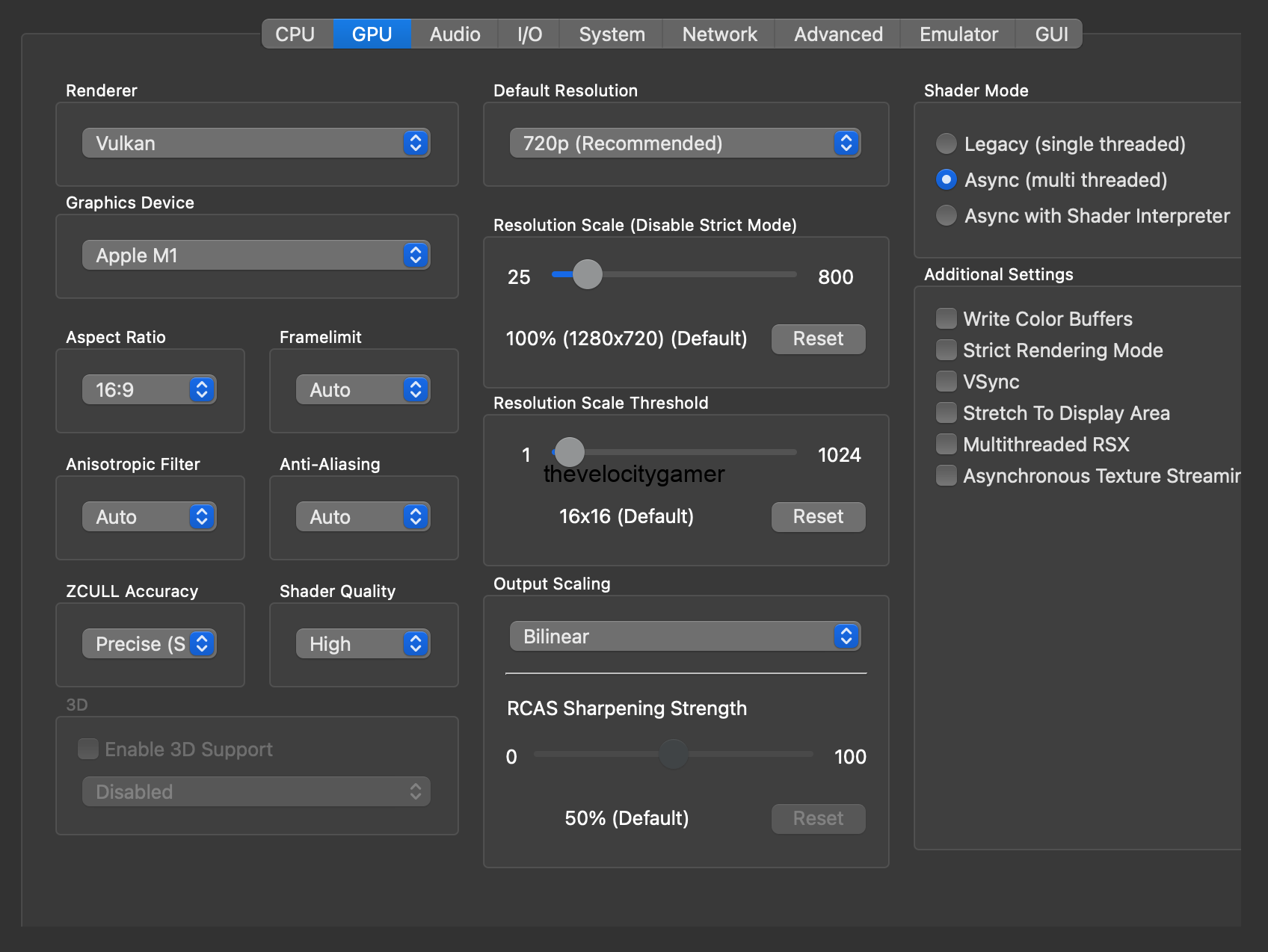
- Renderer: Vulkan
- Resolution: 720p (100%)
- PPU Decoder: LLVM
- SPU Decoder: LLVM
- Shader Mode: Async
- VSync: Off
- Anti-Aliasing: Off
- Anisotropic Filter: Auto
- Multithreaded RSX: On
- Audio Buffer: 100 ms
- IMPORTANT – Close background apps. RPCS3 needs RAM badly.
Download & Safety Scan
- File Name: RPCS3.7z
- Virus Scan: ✅ Safe (Verified by VirusTotal)
- Link to VirusTotal Scan Report
How to Install RPCS3
- Windows: Extract the .7z file, place the RPCS3 folder anywhere convenient, then run rpcs3.exe. Install Microsoft Visual C++ 2015–2022 Redistributable.
- Linux: Download the AppImage, make it executable, and run it. Arch users can install via AUR using rpcs3-git.
macOS Installation & Setup for RPCS3
- Extract the .7z file and drag RPCS3.app into the Applications folder.
- Since RPCS3 is unsigned, Ctrl + double-click the app to open it the first time.
- If macOS asks you to delete the app, go to Settings → Privacy & Security, scroll down, and click Allow RPCS3 to Open Anyway.
- Download the official PS3 firmware from the PlayStation website by clicking Reinstall Using a Computer, then right-click Download PS3 Update and save the file.
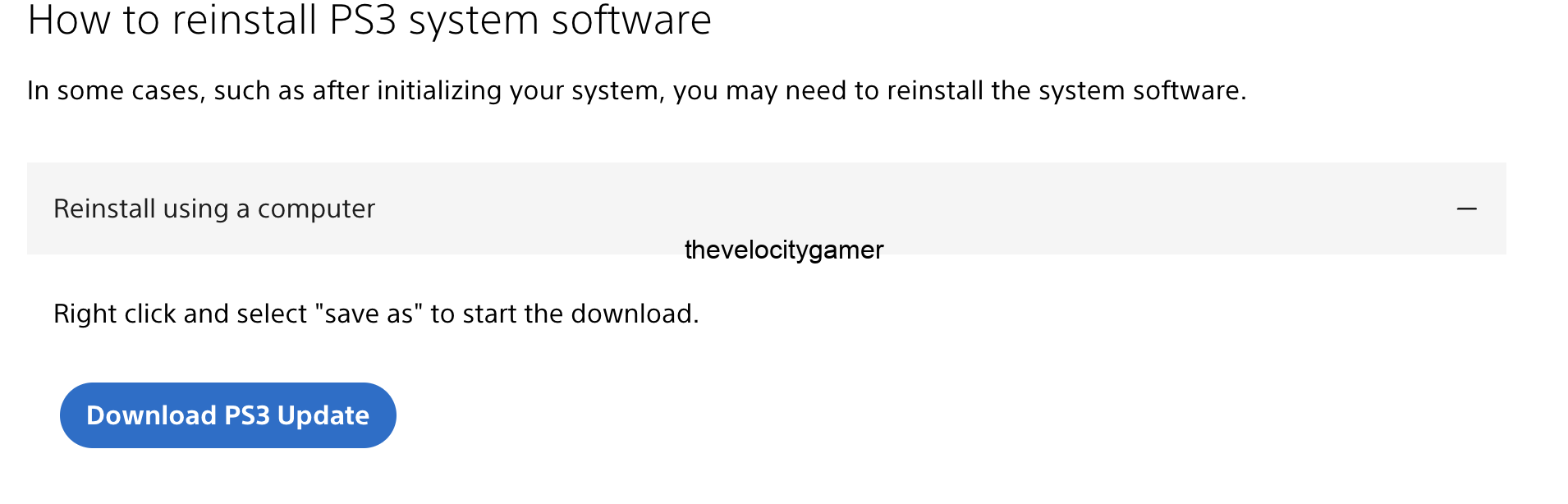
- Open RPCS3 and go to File → Install Firmware, then select the PS3UPDAT.PUP file.
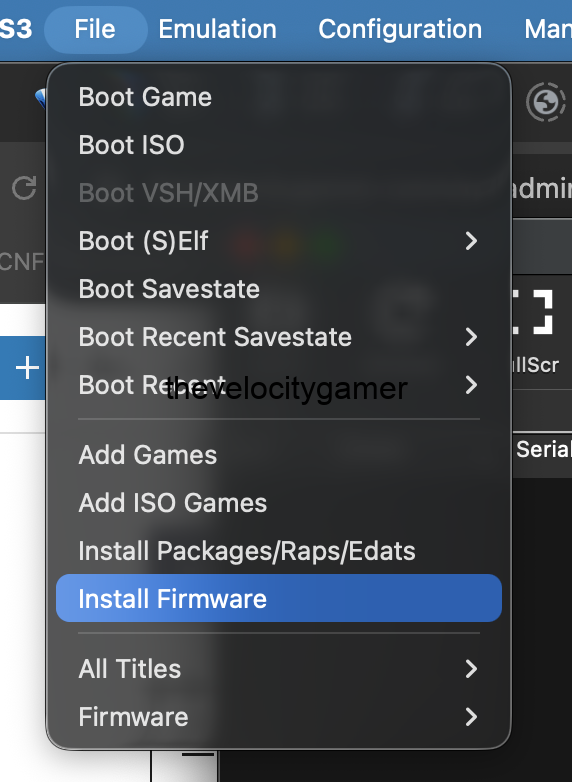
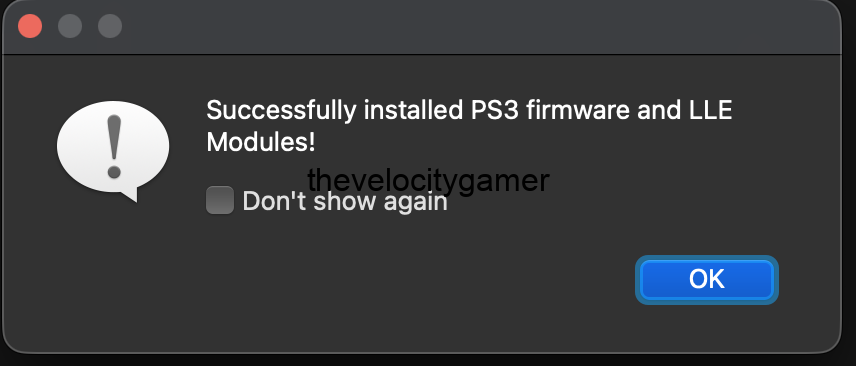
- Load your game (ROM) File>>Add Game
- Right click on the game and download compatibility database
- For the best settings click check game configuration and it will suggest the best settings for that game (if it is not giving you the best result)
- Double click on your PS3 Game and enjoy.


